iRobot Roomba 105 Combo Robot Vacuum & Mop with AutoEmpty Dock Review
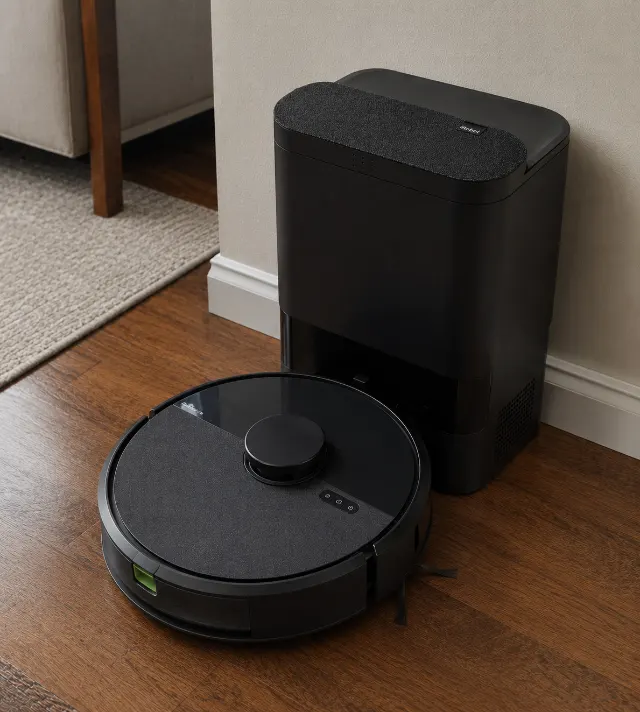
The thing owners notice
The AutoEmpty dock's powerful suction can fail to extract heavily compacted pet hair from the robot's bin, forcing owners to manually clear the very clog the dock is meant to prevent.
Specifications
| Type | Vacuum & Mop Hybrid |
|---|---|
| Mopping system | Static damp pad |
| Self-wash dock | No |
| Water tank | 210 ml onboard tank |
| Mop lift height | 7 mm |
| Suction (Pa) | Approx. 4,500 Pa |
| Battery / runtime | Up to 120 minutes (on low power) |
| App features | LiDAR mapping, No-Go Zones, No-Mop Zones, Room-specific cleaning |
| Warranty | 1-Year Limited |
How we rated it
- Value
- ★★★★★ ★★★★★ 3.8
- Quality
- ★★★★★ ★★★★★ 4.3
- Ease of use
- ★★★★★ ★★★★★ 4.5
- Durability
- ★★★★★ ★★★★★ 4.0
Pros
- ✓Excels at deep-cleaning carpets, pulling more embedded pet hair than most hybrids in its class thanks to its ~4,500 Pa suction.
- ✓The AutoEmpty dock reliably holds 30-45 days of debris in pet-filled homes, a tangible reduction in daily maintenance.
- ✓Clearview LiDAR navigation is fast and precise, creating accurate maps in a single run for effective room-by-room cleaning.
- ✓Dual multi-surface rubber rollers are genuinely effective at minimizing hair tangles, a significant advantage over bristle-brush designs.
- ✓App provides granular control with no-mop zones and room-specific cleaning settings, allowing for highly customized schedules.
What to watch for
- ✕Mopping is passive, merely wiping with a damp pad, making it ineffective on anything but the lightest dust; a dealbreaker for those needing a true scrub.
- ✕Requires a 2.4 GHz Wi-Fi network for setup, a frustrating and common obstacle for users with modern mesh routers.
- ✕The LiDAR turret increases the robot's height to 3.7 inches, preventing it from cleaning under some low-clearance furniture.
- ✕The AutoEmpty dock can fail to extract heavily compacted pet hair, creating a manual clog-clearing chore that undermines its 'automated' promise.
You’re likely staring at three browser tabs right now: this iRobot Roomba 105 Combo, a Roborock Q-series, and maybe a Shark AI Ultra. They all promise to vacuum, mop, and empty themselves, occupying that crowded mid-to-upper tier of automated floor care. They all seem capable. This review exists to break that tie by focusing on what happens after the first month of ownership, when the novelty wears off and the realities of maintenance set in.
The Roomba 105 Combo is, first and foremost, a very good robot vacuum. The mopping is secondary. If your buying decision hinges on that distinction, you can stop reading now. For everyone else, the story is more complicated.
Its core strength is iRobot's refined vacuuming system, which excels at pulling embedded pet hair from medium-pile carpets. The mopping, however, is a passive system—it’s essentially dragging a damp cloth. It will wipe up fresh footprints and light dust, but it won’t scrub a dried coffee spill. This is the central trade-off, and one the marketing materials tend to glide over.
Setup and First-Week Experience
Unboxing and physical setup are straightforward. You plug in the sizable AutoEmpty dock—give it about 20 inches of vertical clearance for the lid—and place the robot on its charging contacts. The real first hurdle, and a consistent theme in owner complaints, is the Wi-Fi connection.
Wi-Fi Requirements and Common Problems
Fair warning: The iRobot Home App requires a 2.4 GHz Wi-Fi network for the initial handshake. This is a common sticking point for users with modern mesh routers that automatically combine 2.4 GHz and 5 GHz bands under a single network name. The robot simply won’t see the network. The most common fix involves temporarily disabling the 5 GHz band in your router's settings, connecting the Roomba, and then re-enabling it. It’s a five-minute hassle that feels archaic in 2026. A standard broadband connection is plenty; internet speed is not the issue, band separation is.
Once connected, the app guides you through a mapping run. The robot's Clearview LiDAR navigation is quick and impressively accurate, building a detailed map of your floor plan in a single pass, typically under 20 minutes for a 1,000 sq ft area. You can then label rooms, create keep-out zones, and define no-mop zones. The first week is mostly about refining this map and learning the robot's quirks. It gets easier over time, but that initial Wi-Fi issue is a frustrating start.
Real-World Performance
On carpets, the Roomba 105 Combo is a beast. The dual multi-surface rubber brushes, a long-running iRobot staple, are genuinely effective at resisting hair tangles. Combined with suction power rated around 4,500 Pa, it pulls a surprising amount of debris from carpets that look clean. This is its home turf, and it outperforms many similarly-priced hybrids in this specific arena.
On hard floors, vacuuming is equally strong. It handles everything from fine dust to scattered cat litter without issue. The noise level at full power is around 65 dB, audible but not intrusive—you can have a conversation in the same room. A standard cleaning run on mixed flooring lasts about 90-110 minutes before the robot needs to recharge.
Performance on Hardwood, Tile, and Carpet
The mopping performance is where expectations must be managed. The system uses a static mop pad with no vibrating mop pad element, relying on the robot's weight for mopping pressure. On tile, it can leave faint streaks if the floor isn't perfectly level, a common point of discussion in owner forums. On sealed hardwood, it does a decent job of lifting surface dust, but it won't replace a manual mop for anything sticky or dried on. The robot features automatic mop lift on carpet, raising the pad about 7 mm when it detects rugs, which works reliably to prevent soggy carpets.
The on-board water tank is small, at 210 ml, requiring refills for larger jobs if you set the water flow to high. You are also locked into using either water or iRobot's own approved cleaning solution to avoid damaging the internals, an ongoing cost to consider.
What surprised owners: How much better its carpet vacuuming is compared to its direct predecessor, the iRobot Roomba Plus 505 Combo, despite both being hybrid models. The jump in suction power makes a tangible difference on anything thicker than a welcome mat.
Where It Disappoints
The primary disappointment is the mopping system's passivity. In a market where competitors from Dreame and Roborock offer spinning or vibrating mop pads, and even full self-washing and self-drying docks, the 105 Combo's simple wet-pad approach feels dated for its price tier. It cleans, but it doesn't scrub.
The LiDAR turret on top adds height, bringing the robot to about 3.7 inches. This prevents it from getting under some low-clearance furniture like couches or toe-kicks that older, non-LiDAR Roombas like the iRobot Roomba j7+ could handle. Measure your clearances before buying.
Here's what the category reputation doesn't prepare you for: the AutoEmpty dock can be both the best and most frustrating feature. The suction is incredibly loud—like a jet engine for 15-20 seconds—but very effective at clearing the bin. The exception is significant: with certain types of pet hair, particularly from long-haired breeds, the fur can become so compacted in the robot's small onboard bin that the dock's suction can't pull it out. Owners report having to manually clear this stubborn clog every few weeks, defeating the purpose of a self-emptying system.
The app, while powerful, can feel overwhelming. Setting up complex schedules with different cleaning modes for each room is possible, but the interface isn't as intuitive as it could be for a new user. It's a tool for tinkerers, not someone who wants a one-button start.
The compromise nobody mentions: You are trading advanced mopping for a slightly more intelligent vacuum. If your floors are 80% hardwood and you have kids tracking in mud, this is the wrong robot for you.
Long-Term Maintenance and Running Costs
This is not a zero-maintenance product. Four weeks in, you'll notice the routine. The AutoEmpty dock's bag, which iRobot claims holds up to 75 days of debris, is more like 30-45 days in a home with pets and carpets. These proprietary bags represent the biggest ongoing cost. You cannot reuse them, and off-brand versions can be hit-or-miss.
The mop pad needs to be removed and washed after every 1-2 uses to prevent mildewy odors. The robot has no self-washing dock feature. The HEPA filter needs tapping out weekly and replacing every 2-3 months. The edge-sweeping brush and main rubber rollers should be wiped down monthly. It’s about 10 minutes of work per week to keep it in peak condition.
Here's what the listing understates: the cleanliness of the dock itself. Dust and debris can accumulate around the evacuation port on both the robot and the dock. If this isn't wiped clean periodically, it can impede the self-emptying process, leading to errors or incomplete emptying. It's a small task, but one that's easy to forget until the bin stops clearing properly.
After a year, expect to have gone through 8-10 bags and at least four filters. The rubber rollers are durable, but check them for wear. Long-term reliability is generally solid, but recurring support threads flag occasional software glitches that require a factory reset—a hassle that erases your carefully crafted maps.
Where Rivals Do Better
The competition in 2026 is fierce, and several rivals beat the Roomba 105 Combo on specific features. The choice comes down to your priorities.
For superior mopping, the Dreame L40 Ultra is in another league. Its self-washing and self-drying dock, combined with spinning mop pads that extend to clean edges, provides a true mopping replacement. It costs more, but for homeowners with expansive hard floors, it's the better investment.
If value is the primary driver, the Roborock Q5+ offers a similar vacuuming-focused experience with LiDAR and a self-emptying dock, often at a more accessible price point. It lacks the 105 Combo's mopping function entirely, but if you see mopping as a gimmick, the Roborock is a more straightforward and cost-effective choice. It's a pure vacuuming workhorse.
For those seeking an all-in-one powerhouse, the ECOVACS DEEBOT T80S Omni presents a compelling alternative. It offers a more balanced performance between vacuuming and mopping, with a dock that handles both dust emptying and mop washing. Its object avoidance isn't quite as sophisticated as iRobot's, but its versatility is hard to beat for mixed-floor homes.
Navigating Privacy Concerns with iRobot
Any device that maps the inside of your home raises valid privacy questions. iRobot states that user data, including maps, is protected with multiple layers of encryption. The company has committed to not selling customer data. You have control within the app to view and delete maps, and you can opt-out of certain data-sharing programs used for feature improvement. While no connected device is entirely without risk, iRobot's policies and security measures are in line with industry standards. For those with high security needs, the ultimate failsafe is to not connect it to Wi-Fi after the initial setup, though this sacrifices all smart features.
The Buyer It Fits
Best for: Pet owners in carpeted homes who need a powerful, automated vacuuming solution and are willing to treat mopping as a light, secondary function. It excels for those who want to minimize daily interaction with the robot itself, thanks to the large-capacity AutoEmpty dock.
Not ideal for: Anyone whose primary cleaning challenge is dirty, sticky, or heavily-trafficked hard floors. It's also a poor fit for users who are easily frustrated by initial tech setup hurdles or who live in homes with a lot of low-clearance furniture.
The Takeaway
The iRobot Roomba 105 Combo is a formidable robot vacuum saddled with a perfunctory mopping system. Its performance on carpets, especially with pet hair, is excellent, and its LiDAR navigation and AutoEmpty dock are reliable workhorses that reduce daily chores. Yet, the manual, high-maintenance nature of its mopping feature feels like a compromise in a market rapidly advancing toward full automation.
This is the right robot for the right home, but it is absolutely not for everyone.
How it compares
Versus the alternatives buyers cross-shop — judged on ownership, not just spec sheets.
| Alternative | Ease of use | Maintenance | Durability | Value | Best for |
|---|---|---|---|---|---|
| iRobot Roomba 105 Combo (this pick) | Moderate initial setup, easy daily use | Weekly filter/sensor cleaning, bag changes | Good overall, some dock complaints | Fair for a vacuum, poor for a mop | Carpeted homes with pets |
| Roborock Q5+ | Straightforward setup and app | Very low; similar to Roomba dock | Excellent reputation for longevity | Excellent for vacuum-only needs | Budget-conscious buyers who don't need mopping |
| Dreame L40 Ultra | Complex dock, but highly automated | Dock cleaning, water tank refills | Good, but more moving parts | Premium-tier, but justified for mopping | Homes with mostly hard floors |
| ECOVACS DEEBOT T80S Omni | Complex dock, similar to Dreame | Requires regular dock maintenance | Good, average for the category | Good all-in-one value | Users wanting balanced vac/mop performance |
| iRobot Roomba j7+ | Very easy, camera-based navigation | Low, reliable AutoEmpty dock | Excellent, proven platform | Good, but lacks mopping | Users prioritizing obstacle avoidance |
How it scores on what matters
| Product | Dried-stain removal | Hard-floor finish | Mopping pressure | Carpet mop-lift | Self-wash / self-dry dock | Navigation & mapping | Verdict |
|---|---|---|---|---|---|---|---|
| iRobot Roomba 105 Combo (this pick) | Weak | Fair | Weak | Excellent | Weak | Very good | Great vacuum navigation, basic mopping. |
| Roborock Q5+ | Weak | Weak | Weak | Weak | Weak | Very good | Excellent vacuum, no mopping features. |
| Dreame L40 Ultra | Excellent | Very good | Very good | Excellent | Excellent | Excellent | Top-tier mopping and navigation. |
| ECOVACS DEEBOT T80S Omni | Very good | Good | Good | Very good | Very good | Good | Strong all-around performer. |
| iRobot Roomba j7+ | Weak | Weak | Weak | Weak | Weak | Good | Best-in-class obstacle avoidance. |
Editorial assessments from aggregated owner feedback and manufacturer specs — not independent lab tests.
Who should buy it
Ideal for households with 70% or more carpeting and pets, where powerful vacuuming and a reliable self-emptying bin are the top priorities. It's not the right call if your primary frustration is dirty hard floors that need aggressive scrubbing. The ideal buyer is also looking at the <a href="/robot-vacuums/roborock-q5-plus/" rel="sponsored nofollow">Roborock Q5+</a> but should choose the Roomba for its superior obstacle avoidance and more robust app.
What makes it worth it
The Roomba 105 Combo solves the problem of daily pet hair accumulation better than most mid-range hybrids. While competitors like the <a href="/robot-mops/ecovacs-deebot-t80s-omni-robot-vacuum-and-mop/" rel="sponsored nofollow">ECOVACS DEEBOT T80S Omni</a> offer more advanced mopping, the iRobot's core vacuuming technology and tangle-free roller design are more effective on shed fur, filling a specific gap for pet owners who prioritize clean carpets over sparkling tile.
Frequently asked questions
How do I set up the Roomba 105 Combo robot?
Setup involves unboxing, plugging in the dock, and downloading the iRobot Home App. The critical step is connecting to a 2.4 GHz Wi-Fi network, which may require you to temporarily disable your router's 5 GHz band. The app then guides the rest of the process, including the initial mapping run.
What internet speed is required for this Roomba?
High speed is not necessary; any standard broadband connection is sufficient. The key requirement is a stable 2.4 GHz Wi-Fi network for setup and communication, not bandwidth.
Will my privacy be protected with the Roomba 105 Combo?
iRobot uses multiple layers of encryption for map and user data and states they do not sell customer data. You have app-based controls to delete your data, providing industry-standard privacy protections for a smart home device.
How long can the AutoEmpty dock hold debris?
The claim is up to 75 days, but in homes with pets or high-traffic, owner reports suggest a more realistic timeframe is 30 to 45 days before the disposable bag needs changing.
How does the Roomba 105 Combo handle both vacuuming and mopping?
It vacuums and mops simultaneously. Its LiDAR and carpet sensors detect rugs and automatically lift the mop pad 7 mm to prevent them from getting wet. You can also create 'no-mop zones' in the app for complete avoidance.
Is the Roomba 105 Combo effective for pet hair?
Yes, this is its primary strength. The powerful suction and tangle-resistant rubber rollers are specifically designed to handle large volumes of pet hair, especially on carpets. The self-emptying dock is crucial for preventing the small onboard bin from clogging constantly.
People also ask
- Is the Roomba 105 Combo worth it in 2026?
- How does the Roomba 105 Combo mop lift work on carpet?
- Can the Roomba 105 Combo clean multiple floors?
- What cleaning solution can I use with the Roomba 105 Combo?
- How often do you have to empty the Roomba 105 Combo dock?
- Does the Roomba 105 Combo get stuck easily?
- Is the Roomba 105 Combo good for pet hair?
- What's the difference between the Roomba 105 Combo and the j7+?
- How do I set up the Roomba 105 Combo?
- What internet speed is required for the Roomba 105?
- Will my privacy be protected when using an iRobot device?
- Is the Roomba 105 Combo good for homes with pets?
You might also like
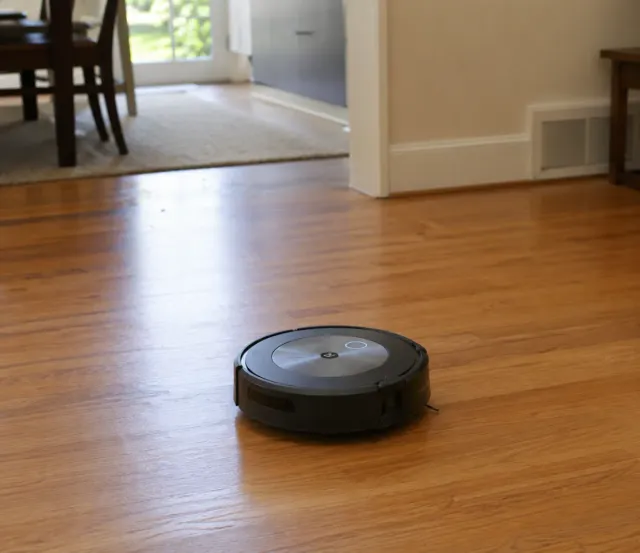
iRobot Roomba j7+
The Roomba j7+ excels at hands-free daily cleaning in pet homes, but its app reliability and bag costs add friction over time.
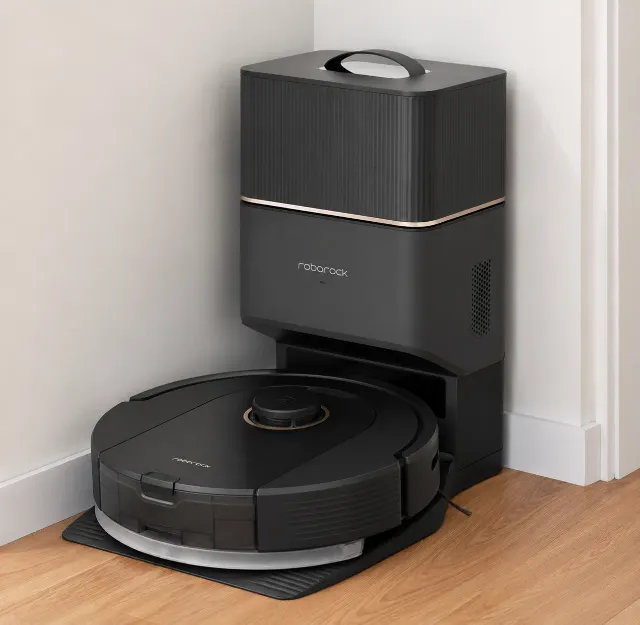
Roborock Q5+
The Roborock Q5+ delivers premium LiDAR navigation and auto-empty convenience at a budget price, but completely lacks modern obstacle avoidance.
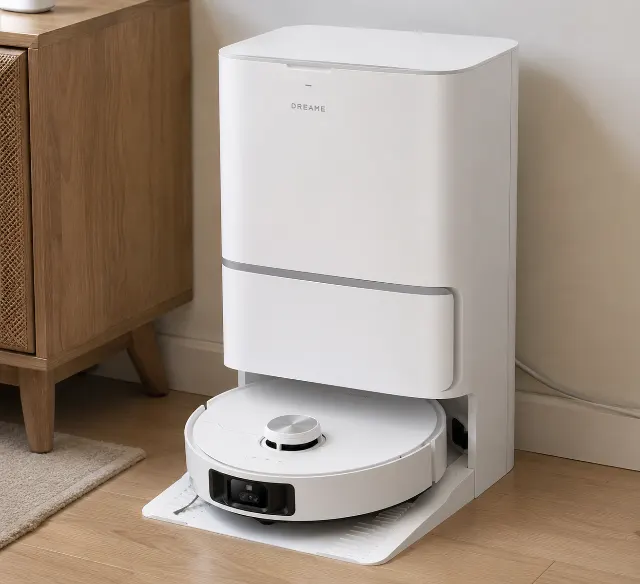
Dreame L40 Ultra
The Dreame L40 Ultra delivers exceptional edge mopping and powerful suction, but its massive dock and occasionally fussy app demand space and patience.
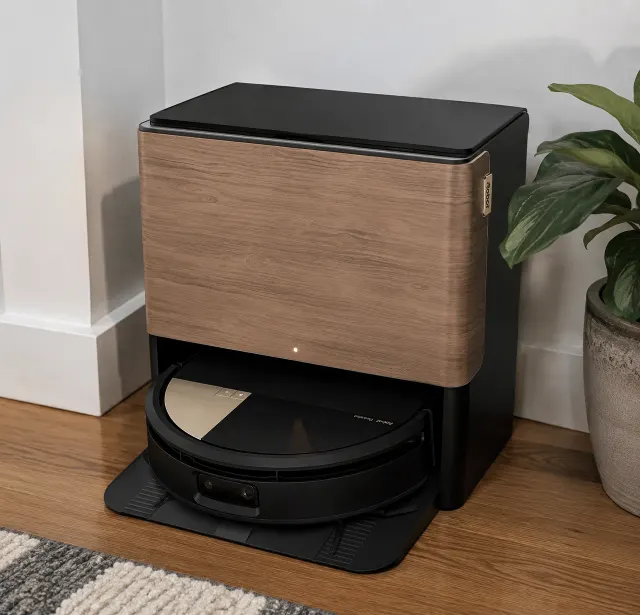
iRobot Roomba Combo Max 705
The Roomba Max 705 Combo delivers powerful, hands-off cleaning with its innovative AutoWash Dock, but its reliance on a sometimes-finicky app creates friction that undermines its core promise of simplicity.
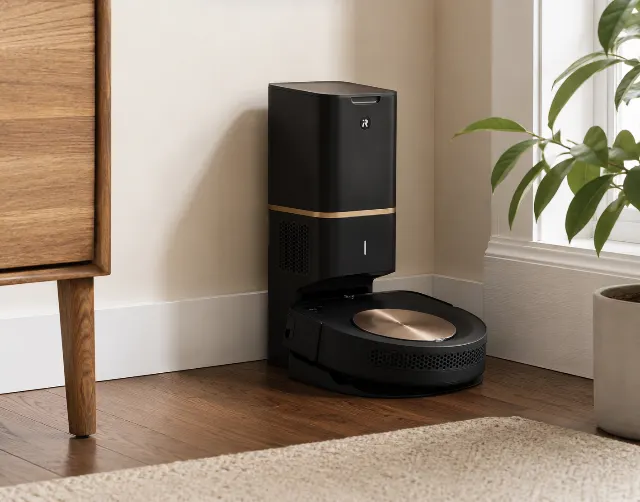
iRobot Roomba s9+
The iRobot Roomba s9+ remains a carpet-cleaning powerhouse in 2026, but its premium price is hard to justify against smarter, more versatile competitors.
From our guides
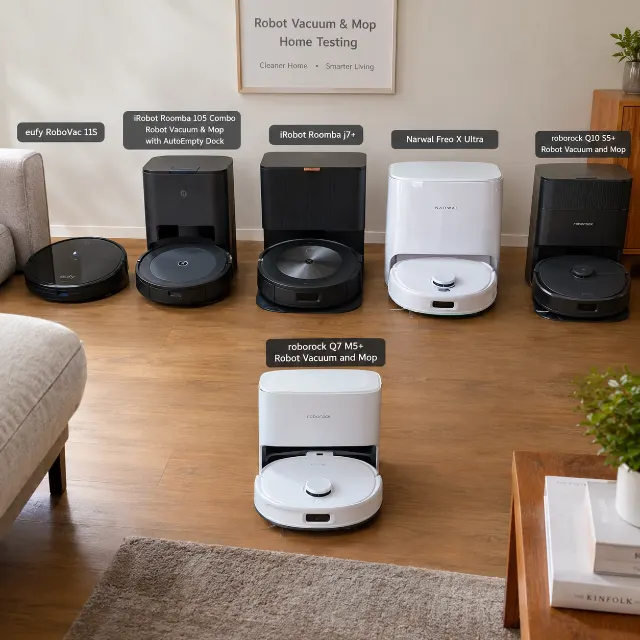
The Best Budget Robot Vacuum: Picks
Tired of junk robot vacuums? We researched the best budget models that actually clean. Find our top picks for pet hair, carpets, and more.
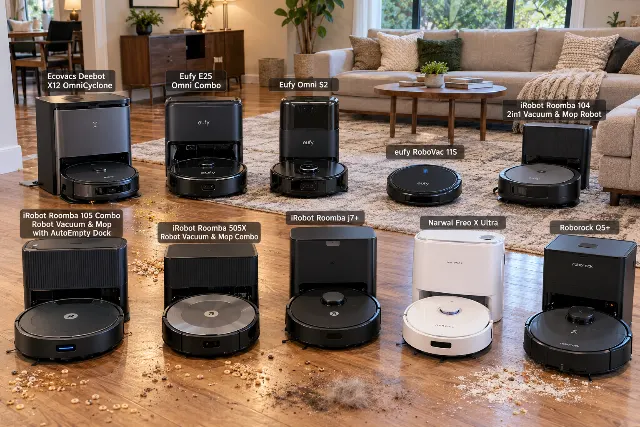
Best Budget Robot Vacuums of 2026
Forget the hype. We researched the best affordable robot vacuums that actually work. Our 2026 picks are the Roborock Q5 Max+, eufy X10 Pro Omni, and the classic eufy 11S MAX.